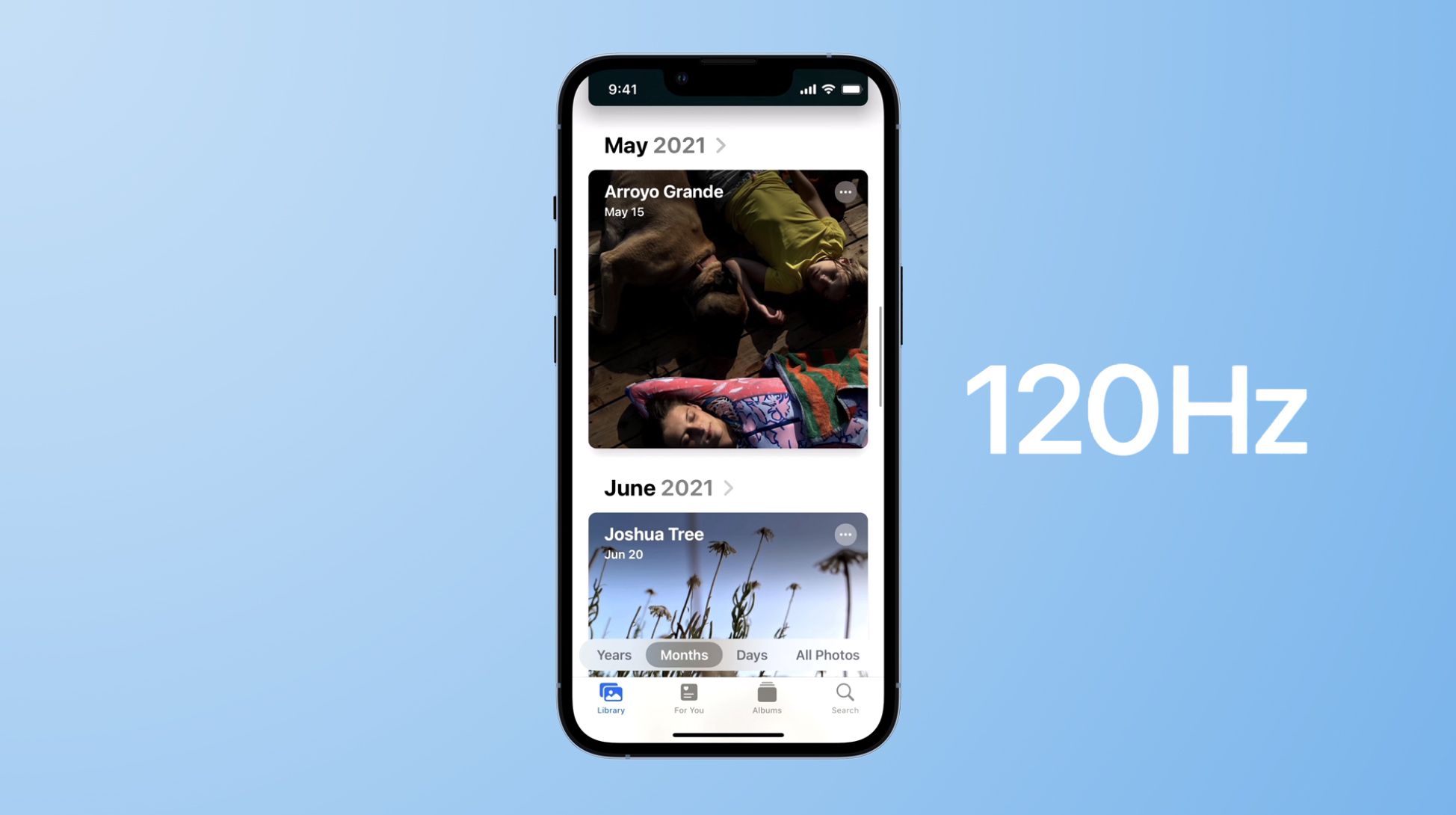
TIL By default #iOS locks Safari refresh rate to 60hz, even when your phone is capable of a higher refresh rate. You can enable higher than 60hz refresh rate by disabling a feature flag
1. Open the "Settings" app.
2. Scroll down and tap "Apps".
3. Tap "Safari".
4. Scroll to the bottom and tap "Advanced".
5. Tap "Feature Flags" at the bottom of the list.
6. Scroll to "Prefer Page Rendering Updates near 60fps" and toggle it off.
7. Force quit Safari and reopen it.
h/t https://www.macrumors.com/how-to/enable-smoother-120hz-browsing-in-safari/