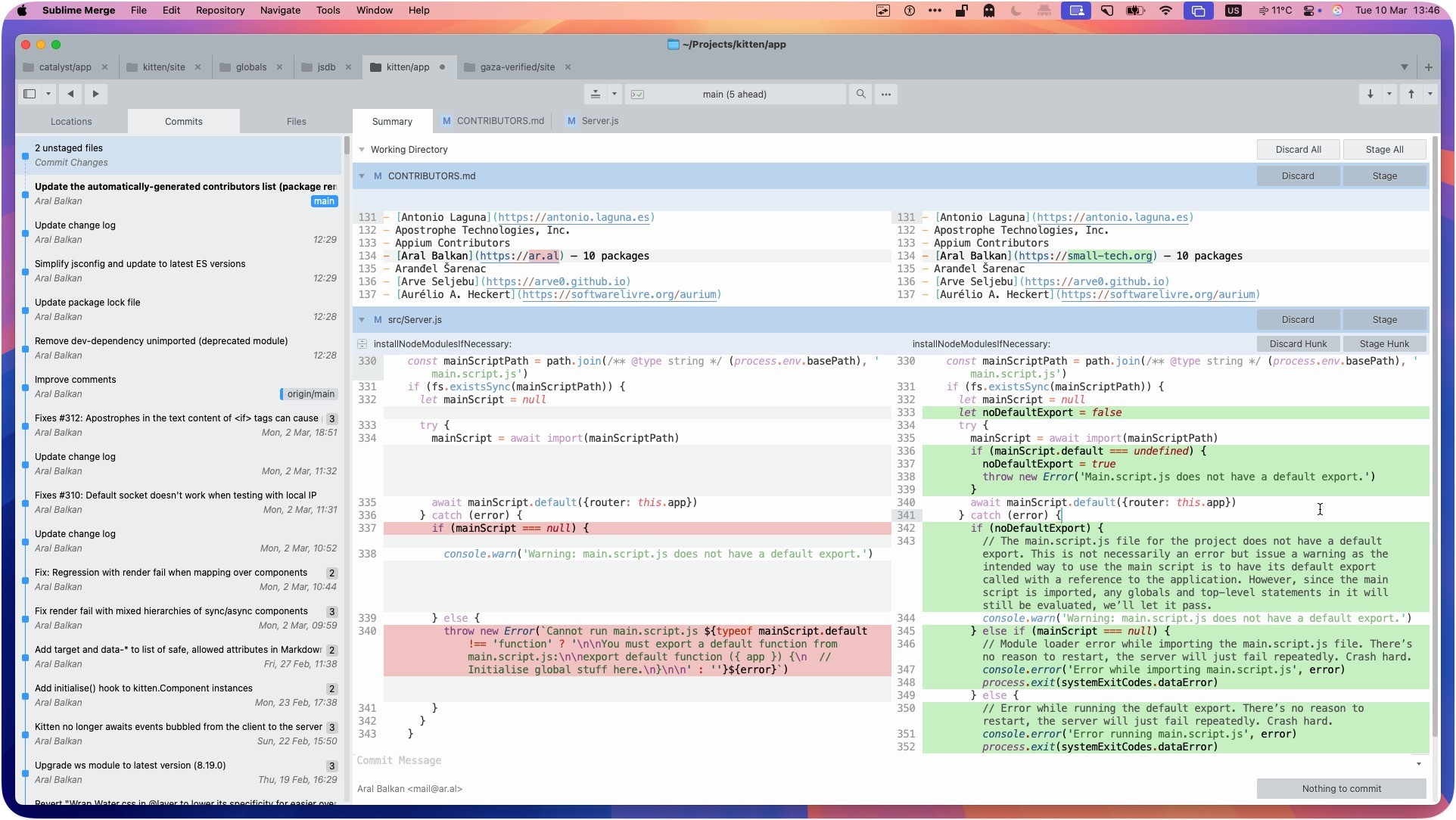
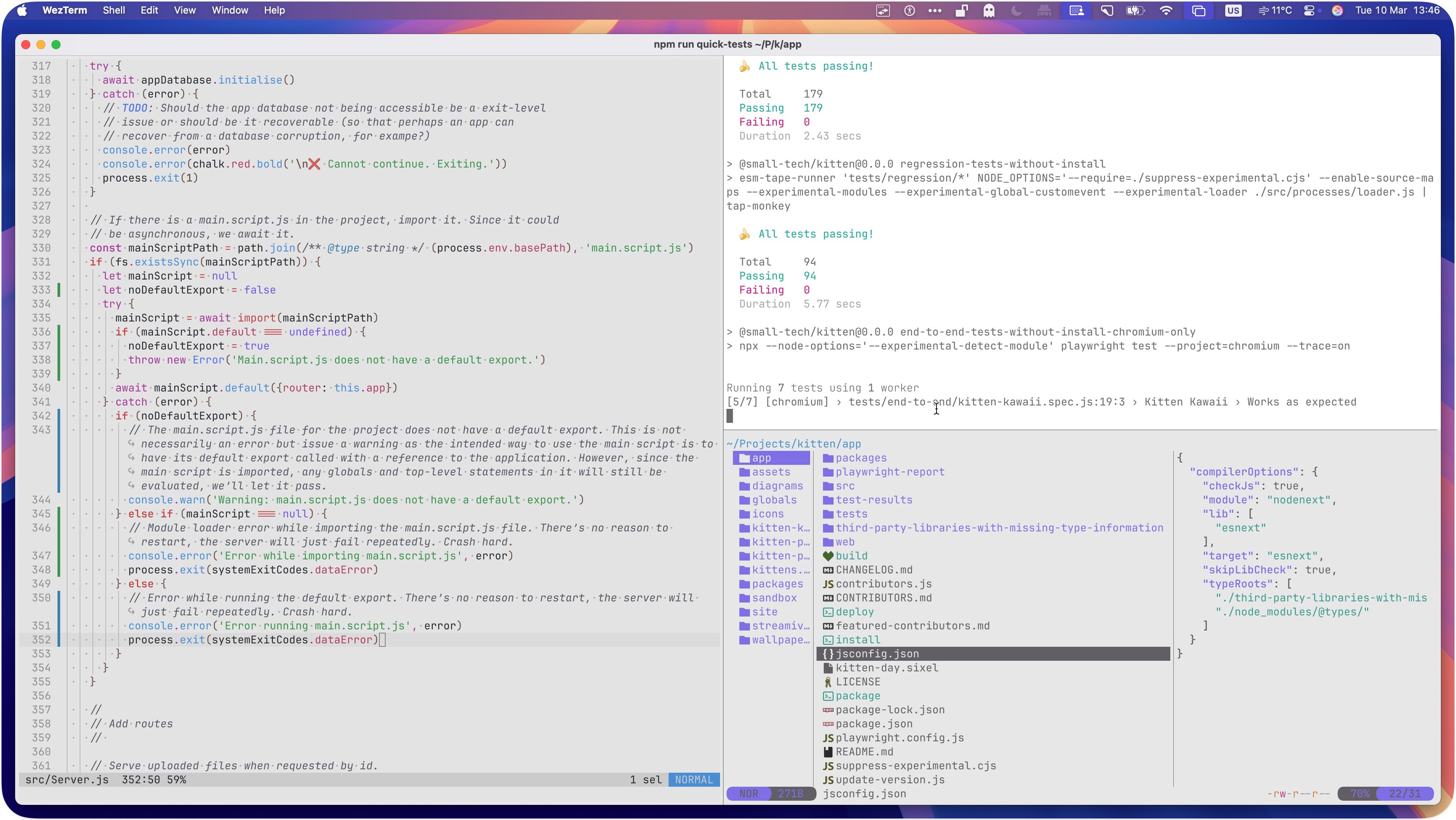
Screenshot of a macOS system with WezTerm running maximised (with a little bit of margin because shiny colourful wallpaper FTW). It’s split into three panes: Helix Editor running in the left with the source code for a file called src/Server.js open. A top-right pane showing unit, regression and end-to-end tests running (179 unit tests passed, 94 regression tests passed, running 7 end-to-end tests, currently at 5/7, running tests/end-to-end/kitten-kawaii-spec.js in Chromium). The lower right pane has Yazi, showing a three-column file system view where the app folder of ~/Projects/kitten/app is selected in the first column, its contents shown in the second, with jsconfig.json selected and the contents of that file showing the final column.
Screenshot of Gram code editor in Helix mode showing two lines selected (using “x”) and a search active within the selection (using “s”) and the word “well” being searched for and highlighted in the text.

The full text in the document reads: This is a little demo of gram...
I'm using Helix mode
And it seems to work quite well :)
(For some reason my custom QMK keymaps are not working, • though.)
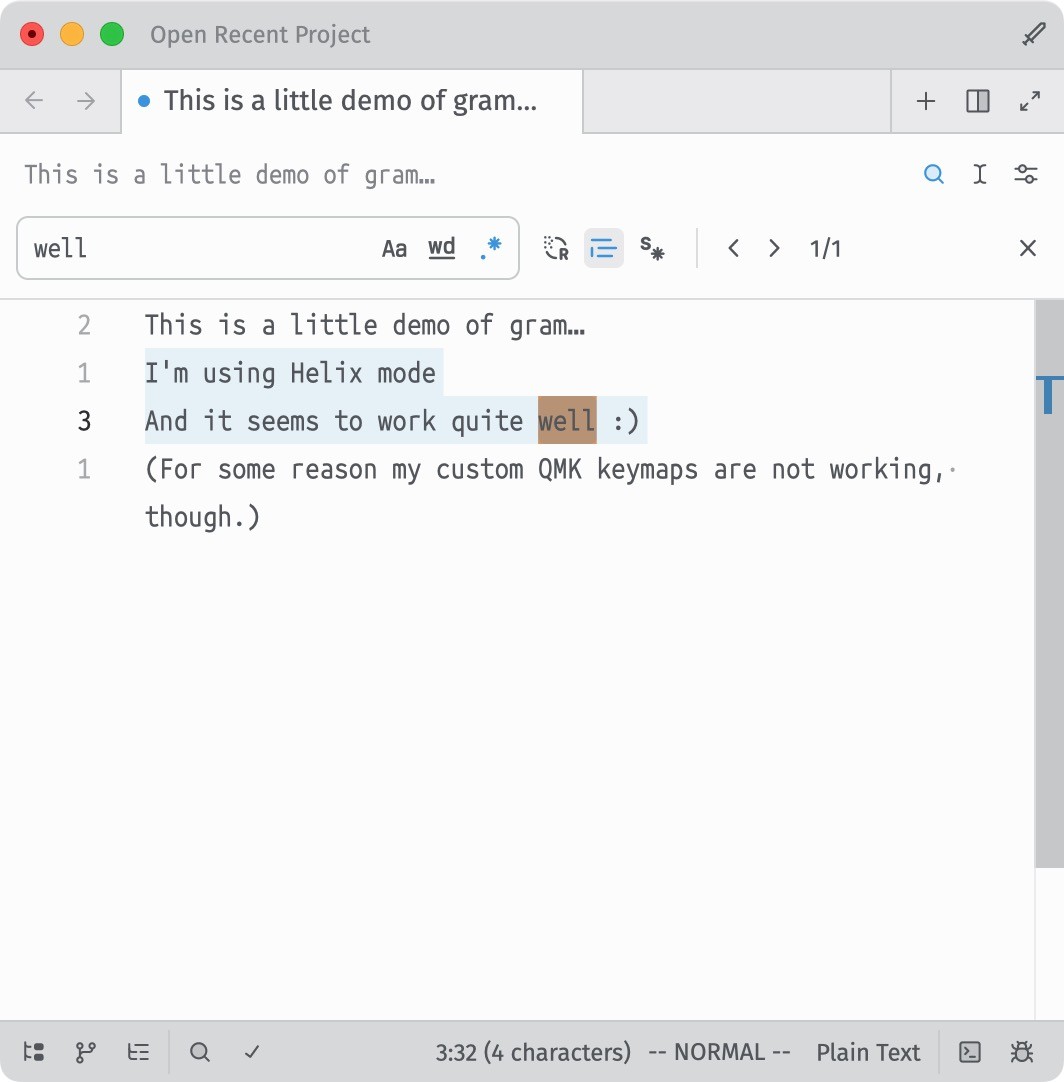
Screenshot of Gram code editor in Helix mode showing two lines selected (using “x”) and a search active within the selection (using “s”) and the word “well” being searched for and highlighted in the text. The full text in the document reads: This is a little demo of gram... I'm using Helix mode And it seems to work quite well :) (For some reason my custom QMK keymaps are not working, • though.)
Screenshot of opening screen of the Gram editor with a simple frog illustration and the tagline “What cannot be mended must be transcended.”

It shows a Get Started section with New File, Open Project, Clone Repository, Open Command Palette, and Open Documentation links and a Configure section with Open Settings and Explore Extensions options.
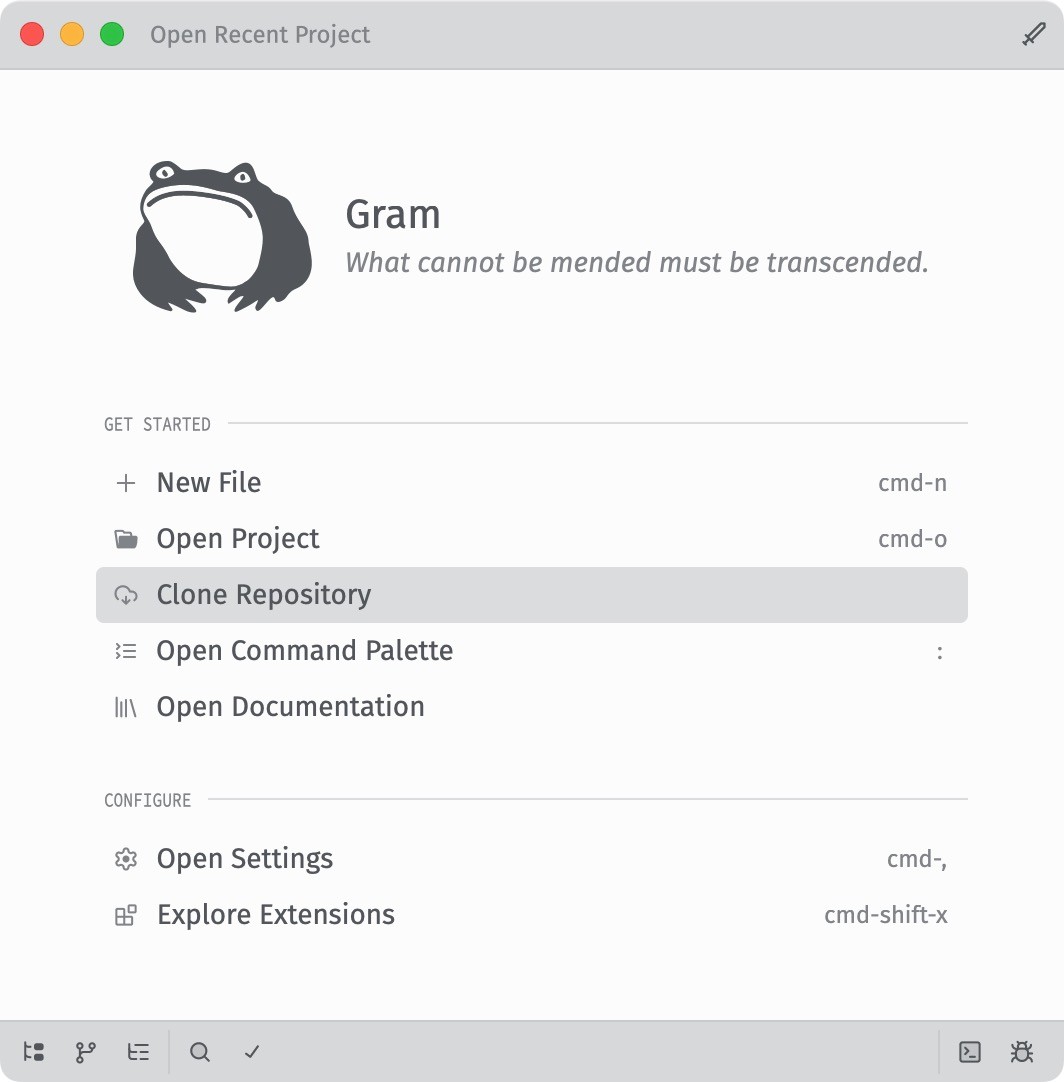
Screenshot of opening screen of the Gram editor with a simple frog illustration and the tagline “What cannot be mended must be transcended.” It shows a Get Started section with New File, Open Project, Clone Repository, Open Command Palette, and Open Documentation links and a Configure section with Open Settings and Explore Extensions options.